
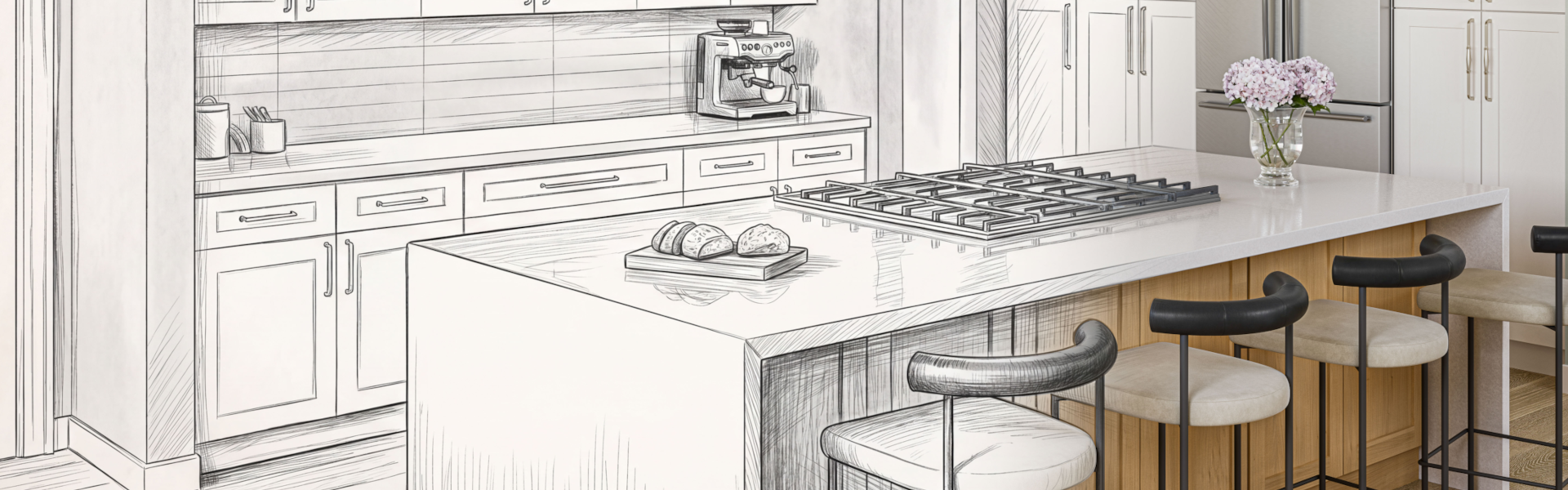
Design Your Kitchen Online.
Use our kitchen visualizer and design tools to explore styles, test layouts, and plan your space with confidence.
Two Ways to Design Your Kitchen!
Hardware Resources proudly offers two tools to help you design your kitchen: A quick 2D tool for AI powered inspiration, and a thorough 3D tool that helps produce a detailed plan.
Choose your Experience.
2D Visualizer (AI-Powered Inspiration)
Quickly visualize new kitchen styles with AI.
How does it work?
Upload a photo of existing cabinetry or choose an image from Pinterest or Instagram and instantly see different cabinet styles and finishes applied to your sample kitchen.
What is it for?
This tool is designed for quick inspiration and early-stage ideas.
Launch 2D Visualizer
Because this experience is powered by AI, results may vary, and render times can be slower. For more control and accuracy, or to start with an empty room, use the 3D Kitchen Design Tool.
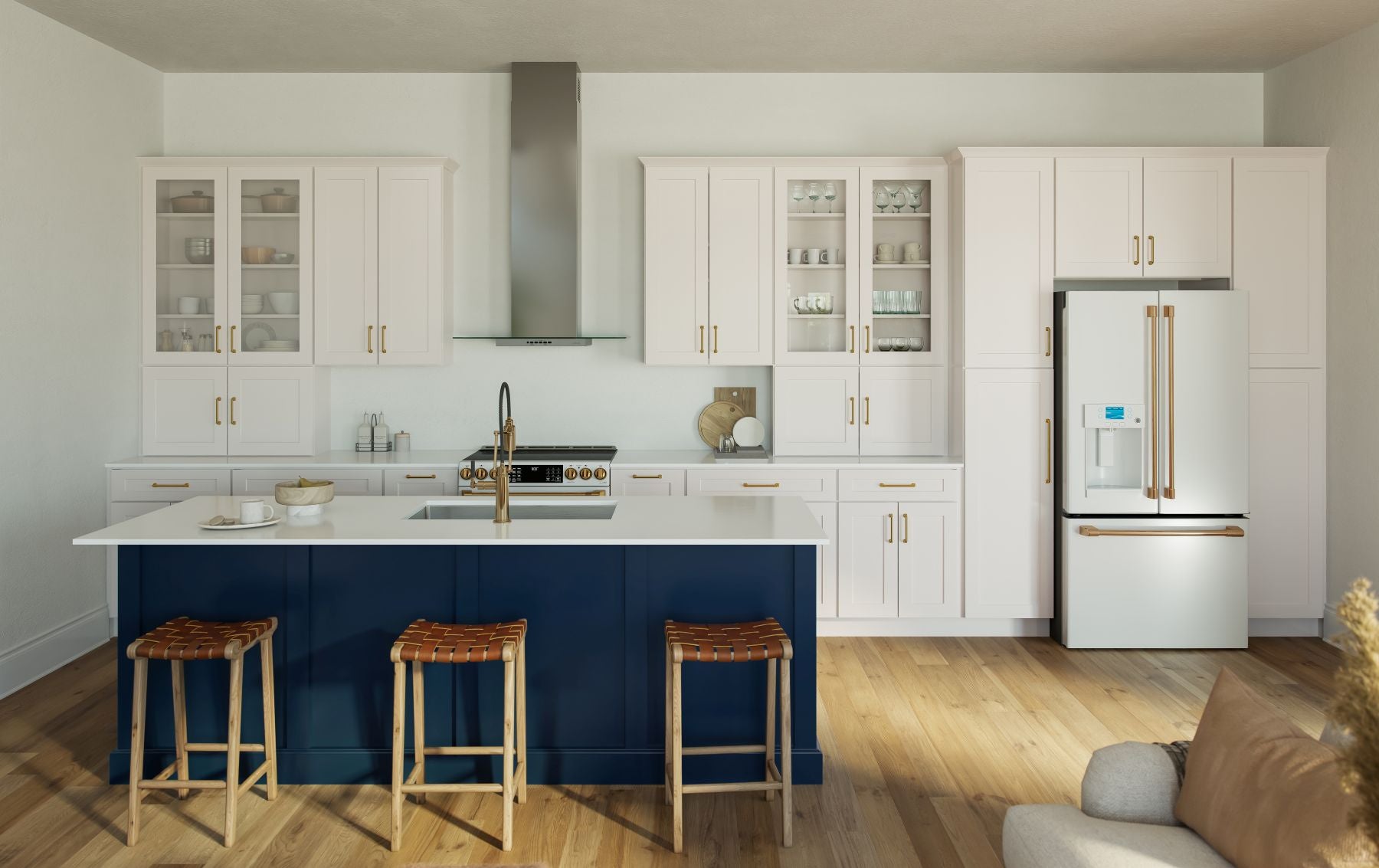
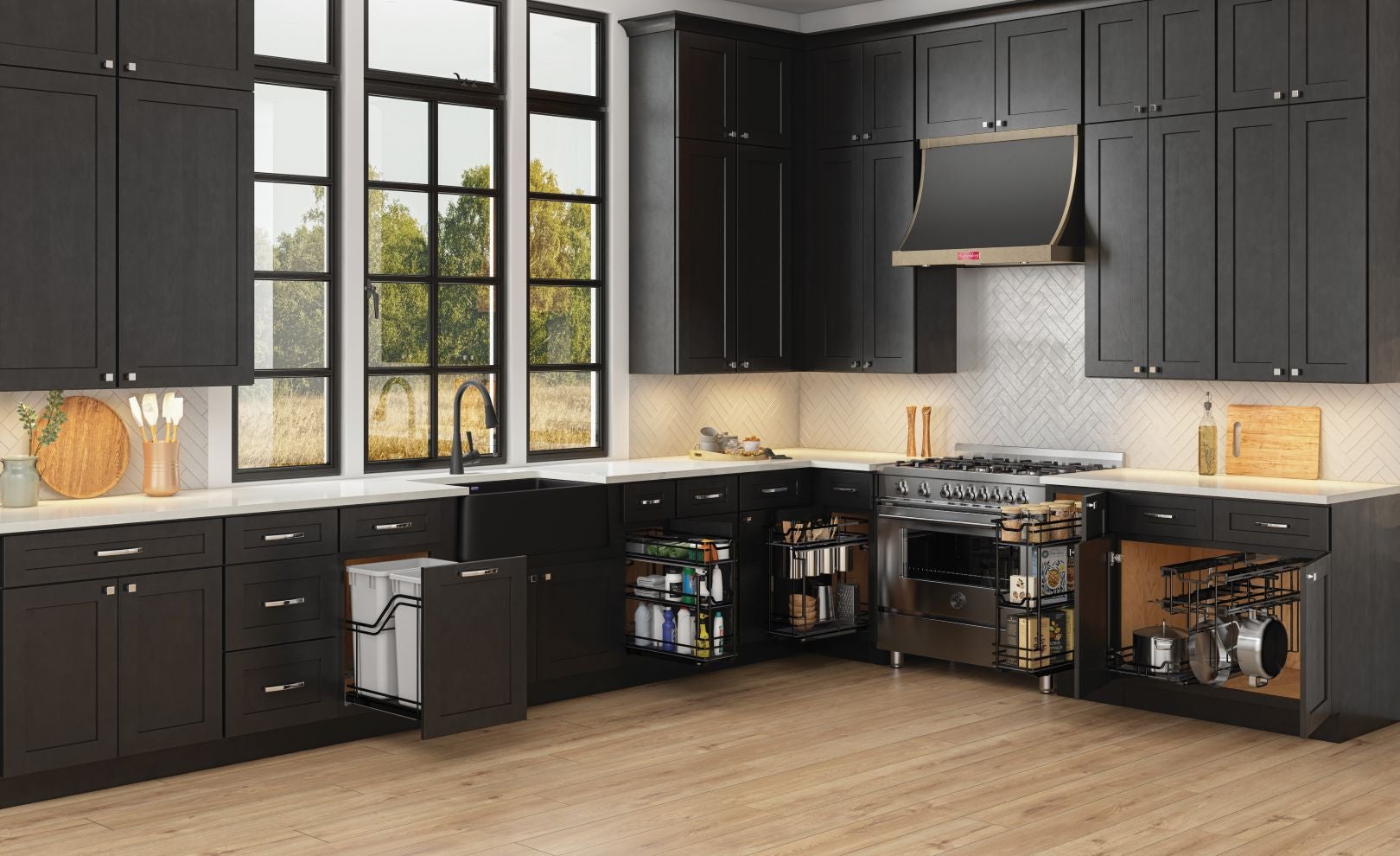
3D Kitchen Design Tool (Full Planning)
Design, customize, and plan your kitchen in detail.
What is it for?
Plan and design your kitchen in 3D for ultimate control. Generate high-quality renderings to bring your design to life. If you are a professional designer, export a parts list to make ordering simple.
Key Features
- Start with a preset kitchen layout, or build a custom layout from scratch
- Swap out cabinet styles and finishes
- Generate realistic 3D renderings
- Design professionals can create a parts list for planning and ordering
Running into issues?
This design tool is powered by our partner, Cyncly, on the SpacesFlex platform. To troubleshoot common design and use issues, visit https://is.support.cyncly.com/hc/en-us for helpful resources to assist you on your design journey.
Looking for more in-depth training?
Cyncly's SpacesFlex course takes you from zero to advanced in 2 hours.
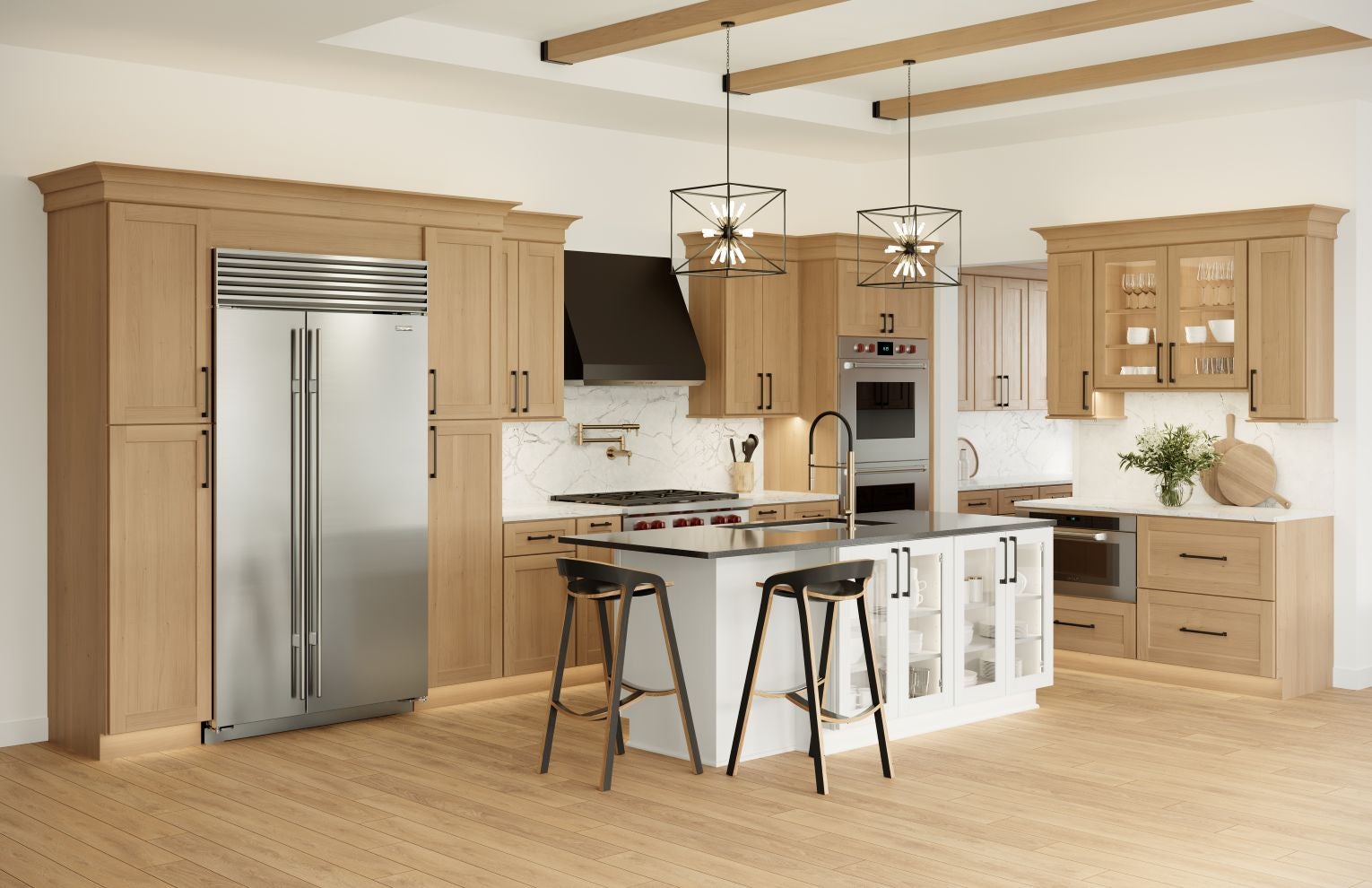
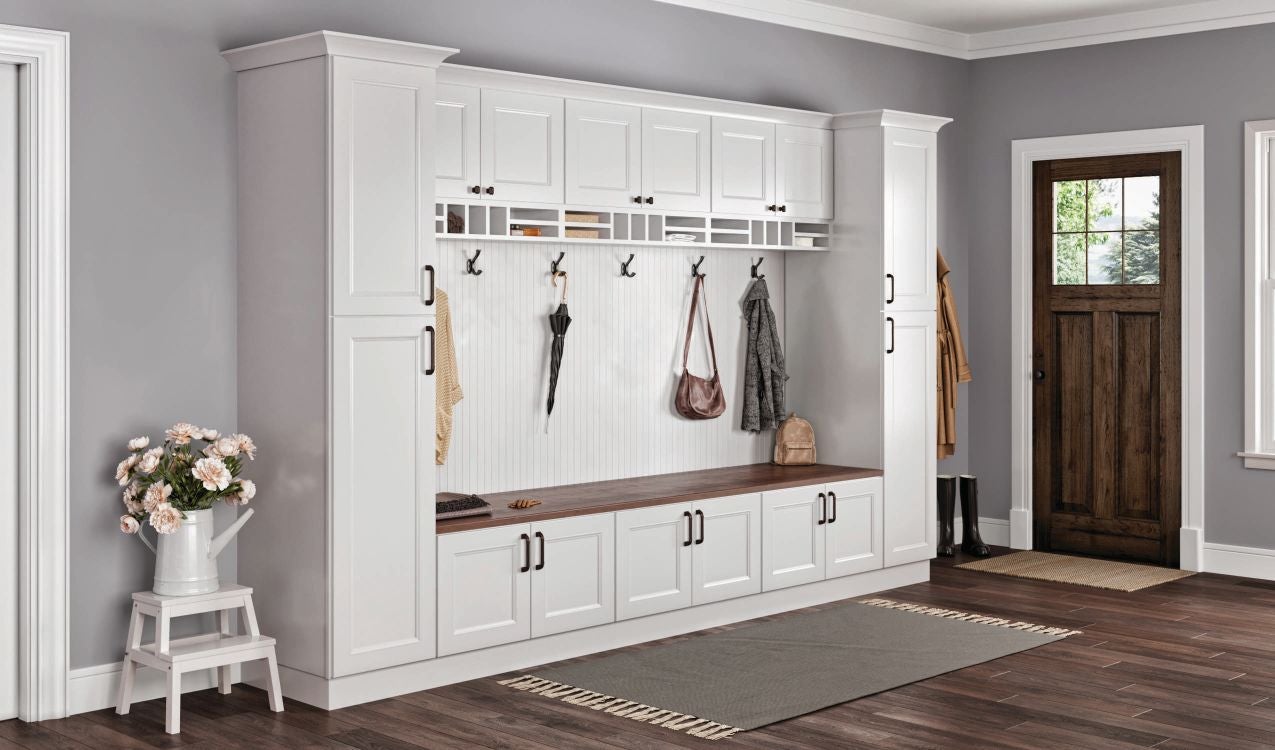
Plan Your Kitchen in Three Steps
- Choose your tool based on your needs, either quick inspiration or full design planning.
- Explore styles, layouts, and finishes. Test different looks in minutes.
- Save, refine, and move forward. Use your design to guide your project or share with a dealer.
To save your designs, you will need to create a separate account with Cyncly. Your Hardware Resources login will not work.
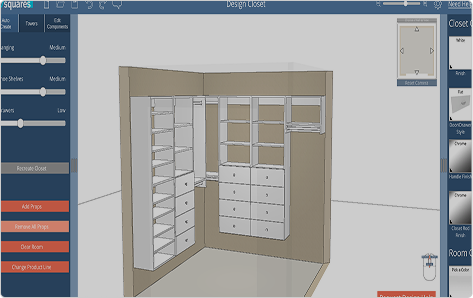
17 Squares Closet Design Tool Available for free when logged in!
Hey Dealers!
Looking for more professional design tools and services?
Make sure to log in to access additional resources built to support your business, including:
- 17 Squares Closet Design Tool
Create custom closet layouts and configurations for your customers. - Cabinet Design Service
Submit projects and receive completed kitchen designs using NorthPoint Cabinetry from a team of design experts. Ask your rep about this service if you do not have access on your Dealer Dashboard.
Dealer Login